Cookie Settings

Choose which cookies you allow. Essential cookies are always on because the website cannot work without them. Optional cookies are off until you switch them on. Your choices apply to this browser and device, and you can change them at any time. For more detail, including the names and durations of the cookies we use, see our Cookie Policy.

  • Essential cookies Always on

    These cookies keep our website secure and working, for example by letting you join our waiting list, sign in and make payments, and by remembering your cookie choices.

  • These cookies remember your preferences, such as your language, to give you a more personalised experience.

Home About Pricing Organization Contact Us Download App

How The First Ten Works

Know how ready you are.
Take simple steps to be even more prepared.

You don't need to learn everything at once.

Start by understanding how ready you are, then work on the areas where you could be better prepared.

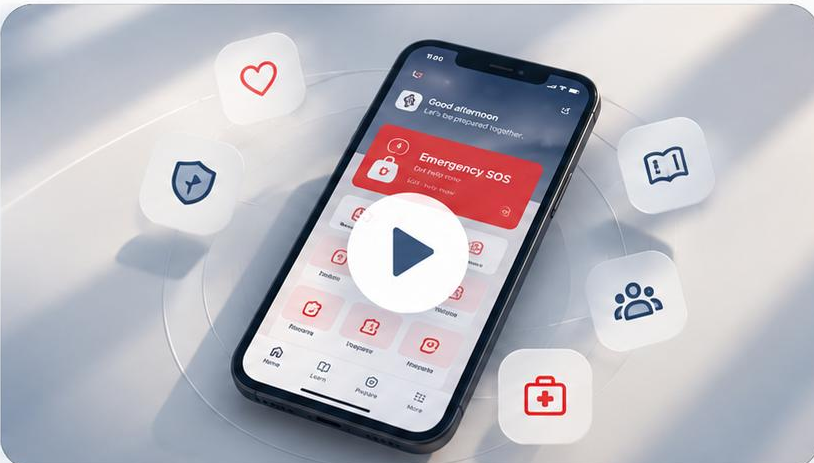
The First Ten Minutes app on a phone surrounded by feature icons
  1. 1. Check your readiness
  2. 2. Learn
  3. 3. Practise
  4. 4. Prepare
  5. 5. Respond

Home

Your Home screen gives you quick access to emergency help, important contacts and your main First Ten tools.
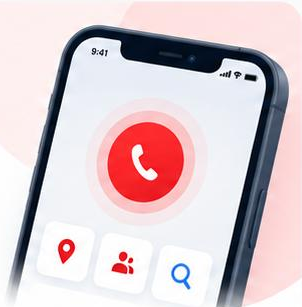
  • Call Emergency Services

    Quickly access emergency calling when you need professional help.

  • Live Location Sharing

    Share your real-time location with the people or services that need it.

  • Emergency Contacts

    Call the people you've chosen as your emergency contacts.

  • AI Search

    Search for information or find your way around First Ten using everyday language.
Help Now

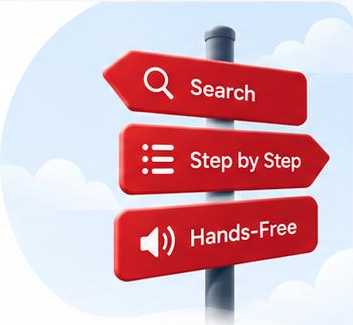
Help Now is designed for the moments when you know something is wrong but aren't sure what to do next.

  • Search or Be Guided

    Describe what's happening or follow a guided route if you're unsure where to begin.

  • Step-by-Step Guidance

    Follow clear actions one step at a time.

  • Hands-Free Guidance

    Have each step read aloud when you need to keep your hands free.

  • Emergency Calling

    Call emergency services without leaving the emergency experience.

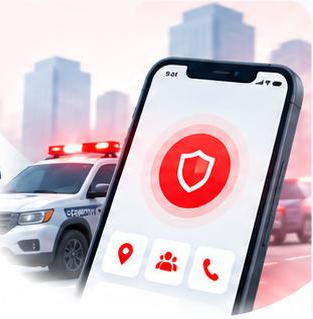
Emergency Security Response

Emergency Security Response helps you quickly access mobile security assistance when you need it.

  • Request Security Help

    Request available mobile security response.

  • Live Location Sharing

    Share your location so responders can find you.

  • Smart Dispatch

    Help route your request to an appropriate available responder.

  • Response Updates

    See when your request has been received and response has been activated.

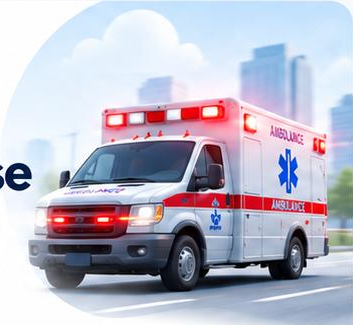
Emergency Medical Response

Emergency Medical Response helps you connect to urgent medical assistance when immediate care is needed.

  • Request Medical Help

    Connect to an available medical or EMS responder.

  • On-Scene Care

    Receive assessment, medical support and stabilisation where the service is available.

  • Live Location Sharing

    Share your location with responders.

  • Medical Response & Transport

    Coordinate ambulance response and emergency transport where required and available.

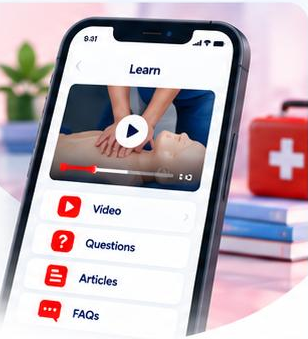
Learn

Each emergency topic uses different ways to help you understand and remember what matters.

  • Video

    Watch emergency scenarios and actions demonstrated step by step.

  • Questions

    Test what you've understood and get immediate feedback.

  • Articles

    Learn more when you want additional context.

  • FAQs

    Get answers to common questions.

  • Did You Know?

    Pick up useful facts and information worth remembering.

Practice

Emergency knowledge can fade if you don't use it. First Ten Minutes gives you simple ways to revisit what you know and keep practising over time.

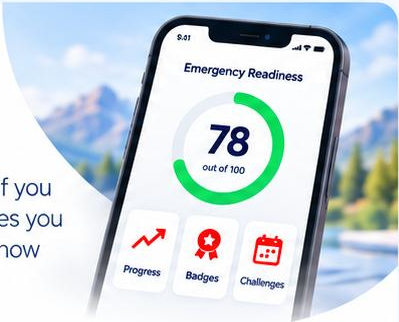
  • Emergency Readiness Score

    See where you currently stand.

  • Retake Your ERS

    Check your readiness again as you learn and prepare.

  • ERS Progress

    See how your score changes over time.

  • Emergency Topic Badges

    Track the topics you've worked through.

  • Monthly Challenges

    Take part in regular activities that encourage you to keep learning and practising.

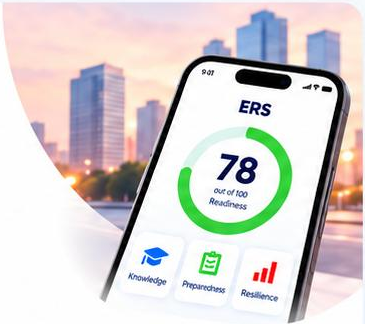
ERS

Your Emergency Readiness Score gives you a clearer picture of how prepared you are today.

  • Take or Retake Your Assessment

    Check your readiness as your knowledge and circumstances change.

  • See How You Compare

    View comparative insights where available.

  • Track Your Score

    See how your readiness changes over time.

  • Know What to Work On

    Get recommendations based on the areas where you could improve.

  • Leaderboards

    See your progress in participating challenges and communities.

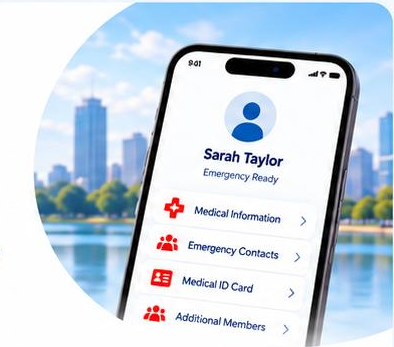
Profile and Connection

Get the important details ready beforehand.

  • Medical Information

    Keep relevant medical details in your profile.

  • Emergency Contacts

    Add and manage the people you may need to contact quickly.

  • Medical ID Card

    Create a QR-enabled Medical ID Card that can be downloaded or shared.

  • Additional Members

    Add supported family or household members to your account.

  • Satellite Connectivity

    Use supported satellite functionality on compatible devices and services where available.

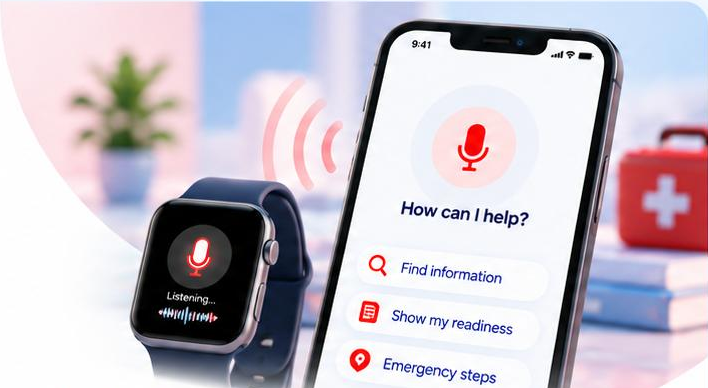
Smart Functionality

Easier ways to access First Ten Minutes.

  • Voice Activation

    Use supported First Ten functions by voice when your hands are busy.

  • Smartwatch Connection

    Access supported functionality from compatible wearable devices.

  • Personalisation

    Tailor First Ten around your profile, learning and readiness.

  • Offline Access

    Keep selected information available when you don't have a mobile connection.

  • AI Search

    Ask questions and find information in First Ten using everyday language.
Be Ready Before An
Emergency Happens.

Download The First 10 Minutes today and carry life-saving guidance wherever you go.